
Tell us what the site needs to do
Send us your business name, the people you serve, and what you want visitors to do, such as call, request a quote, or book. If you already have a website, share its link and tell us what you want to keep or improve.
Examples & Our Approach
Explore six fictional businesses and see how service pages, galleries, and inquiry forms can work for a business like yours.
See How We Work ↓
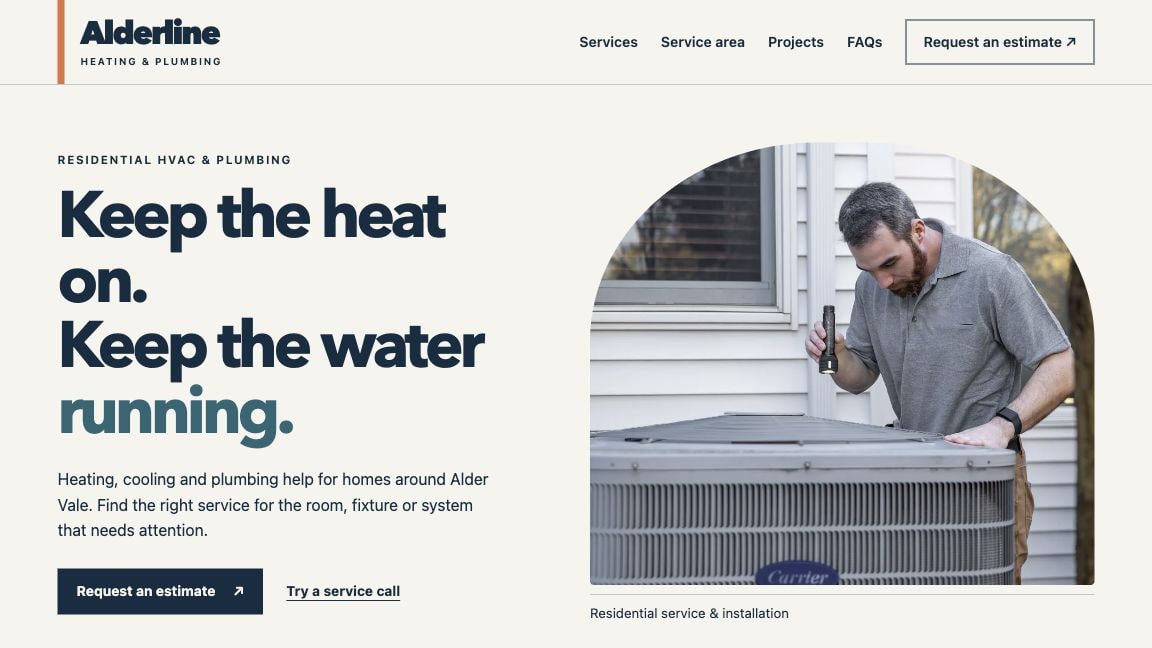

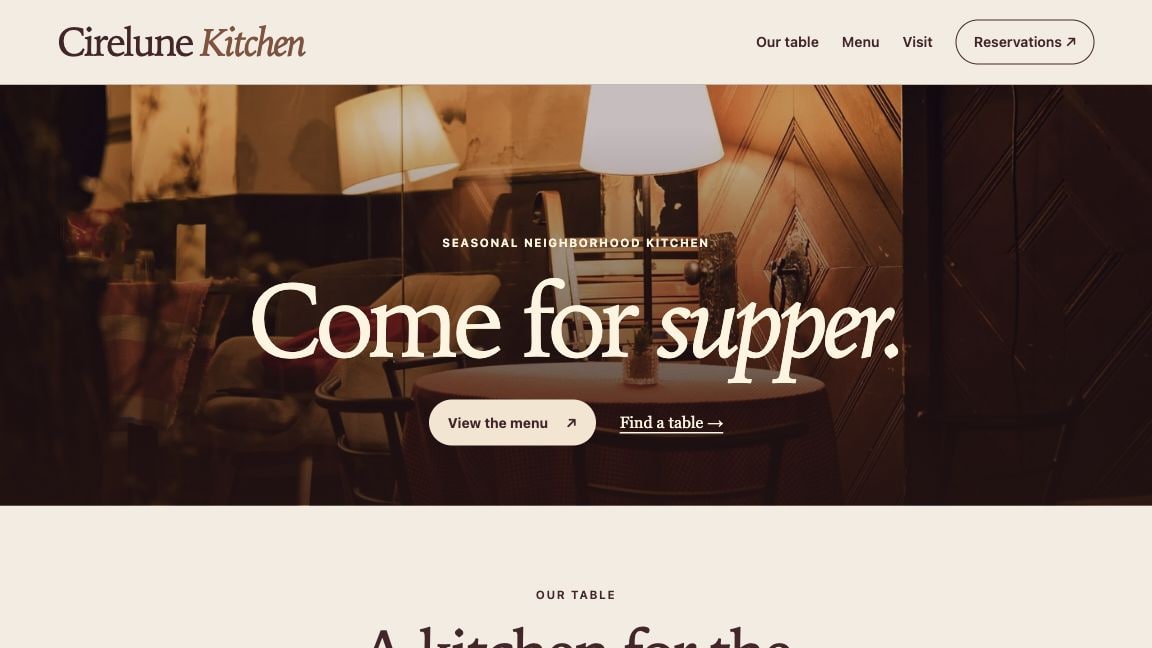

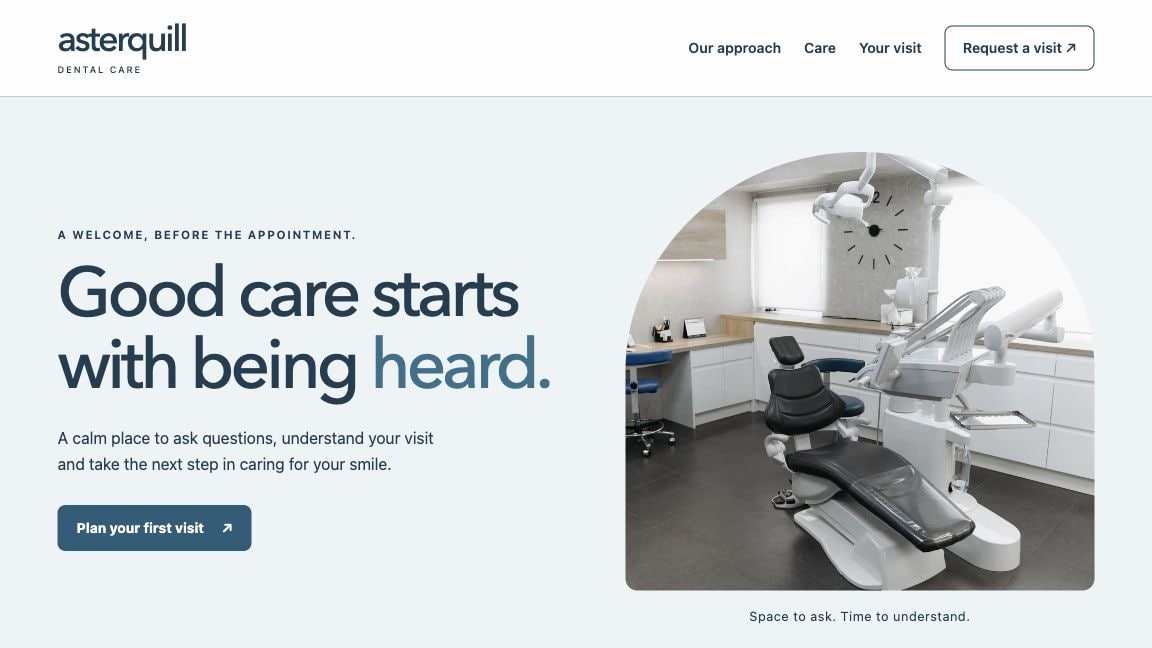
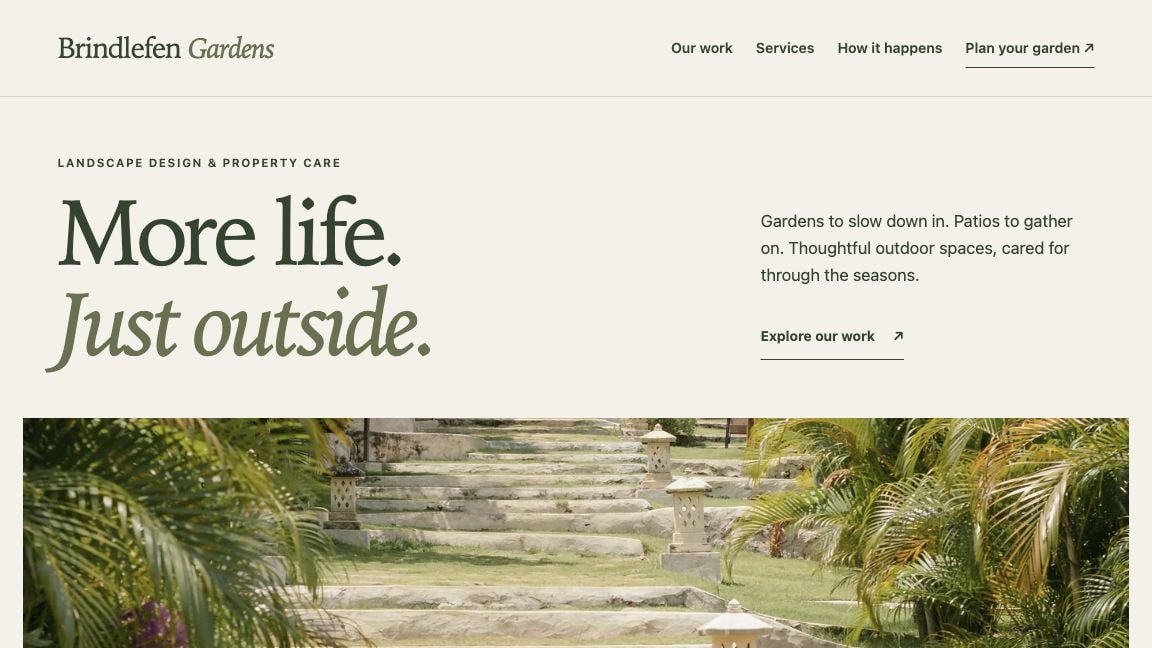
What care looks like after launch. If a restaurant changes its menu for spring, the owner can send it to us. We update the menu and check that the reservation link works. See what monthly care covers.
Your base site is ready to review within five business days once we agree on the scope and receive your deposit and the materials we need to start. Additional edits or features can add time. We’ll give you an updated estimate before you approve that work.
Send us your business name, the people you serve, and what you want visitors to do, such as call, request a quote, or book. If you already have a website, share its link and tell us what you want to keep or improve.
Share your logo, service descriptions, hours, contact details, and photos you have permission to use. Include your service area or address if relevant, plus any booking link you want to use. We’ll agree on who supplies anything that’s missing.
We’ll review the pages, features, price, and timeline together. Once we agree on the scope, we start after receiving a deposit of 50% of the website build price and the materials we need. We’ll organize the content, design and build the pages, and set up the agreed contact options.
Check that the wording, photos, hours, and links are right. Send your feedback together so we can make the included round of revisions. We’ll confirm the cost and timing of any added work before you approve it.
The remaining 50% of the website build price is due after you approve the finished site. Then sign the one-year website maintenance agreement. Your proposal shows the deposit and balance, and the agreement explains what monthly care covers.
We’ll coordinate access to connect your domain, publish the site, and check the live pages and agreed contact options.
Monthly billing starts at launch. We manage hosting and HTTPS, check the site and its contact options, and fix problems in the site we built. Send us updated hours, photos, or service details. Up to 1 hour of edits to existing content is included each billing month. We estimate and bill hourly for new functionality, changes to the agreed scope, or edits beyond that hour.
Each sample is a fictional business that shows how a website could work in that industry. You can try the forms and tools without making a real booking or sending an inquiry.
Yes. Tell us which pages, layouts, or features you liked when you send an inquiry. We’ll discuss how they could work for your business.
Open How We Design a Website and choose an industry. The numbered notes point out decisions about content, imagery, and what visitors can do next.
Tell us what you’d like to build or improve. We’ll help you work out what you need and what it will cost.